
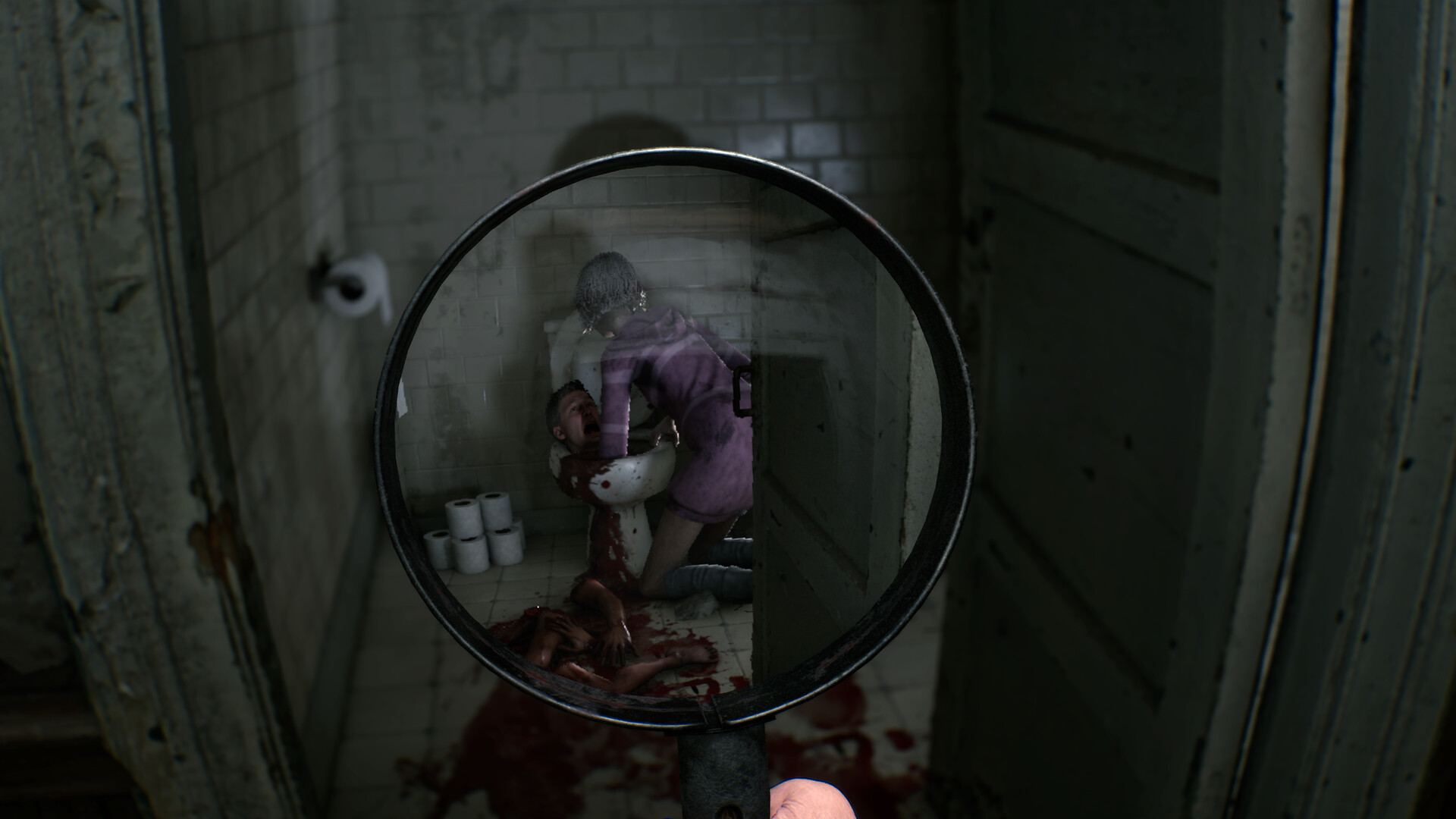
Minimum requirements list Windows 11 64-bit, 16 GB RAM, an i5-8400 or Ryzen 5 2600, GTX 1070 Ti 8 GB, DirectX 11, and 12 GB storage. Recommended graphics rise to an RTX 3070 8 GB with DirectX 12. Steam’s recommended ‘16 MB RAM’ entry is clearly inconsistent with the 16 GB minimum, so plan around at least 16 GB.
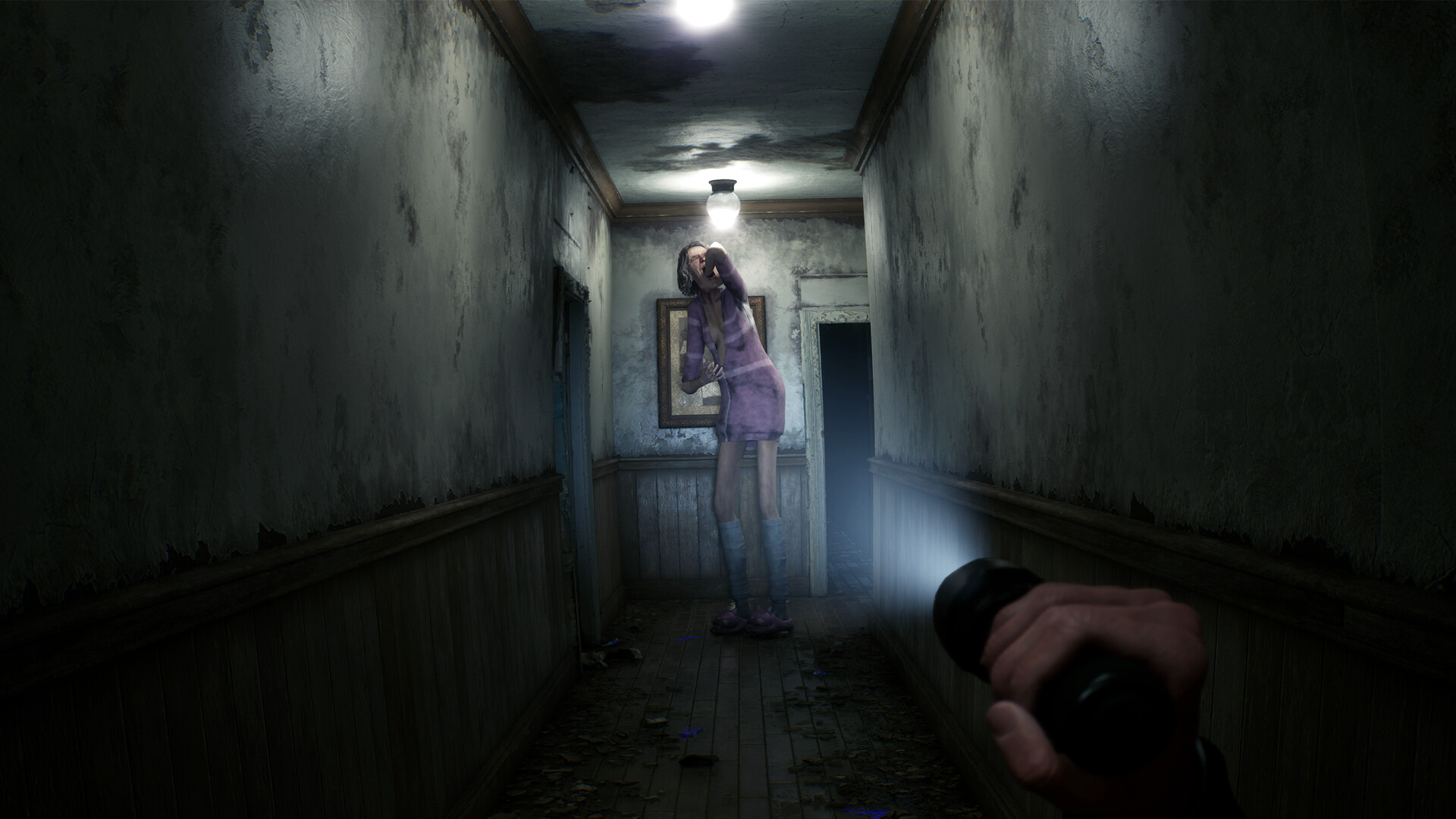
Minimum and recommended requirements
| Component | Minimum | Recommended |
|---|---|---|
| OS | Windows 11 64-bit | Windows 11 64-bit |
| CPU | Intel Core i5-8400 / AMD Ryzen 5 2600 | Intel Core i7-6700K / AMD Ryzen 5 3600 |
| Memory | 16 GB RAM | Steam displays “16 MB RAM,” which conflicts with the minimum |
| GPU | GeForce GTX 1070 Ti, 8 GB VRAM | GeForce RTX 3070, 8 GB VRAM |
| DirectX | Version 11 | Version 12 |
| Storage | 12 GB available | 12 GB available |
How to read the RAM typo
Do not plan around the literal 16 MB recommended entry. It is incompatible with the 16 GB minimum and with a modern Unreal Engine horror game. Until the store listing is corrected, treat 16 GB as the sensible floor rather than guessing a higher official recommendation.
Pre-launch checklist
- Update your NVIDIA or AMD graphics driver.
- Keep more than 12 GB free so installation and updates have breathing room.
- Close memory-heavy background apps if you have 16 GB RAM.
- Use headphones, but set a comfortable volume before the first scare.
- Test the first indoor scene before committing to a long session.
If the game stutters
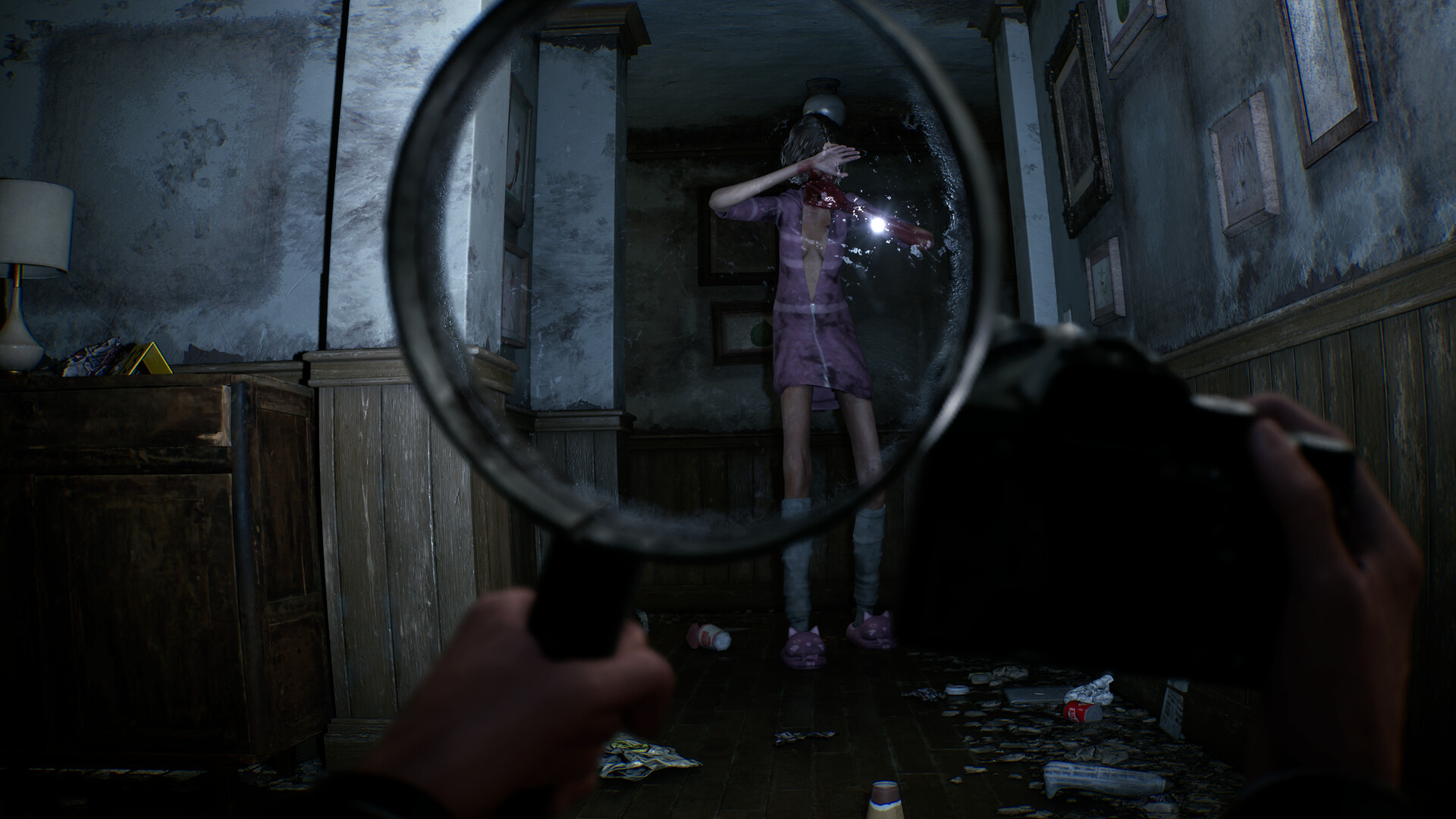
Lower the most expensive visual options one at a time so you know what helps. Start with shadows, reflections, and post-processing, then cap the frame rate if pacing is uneven. The lens effect renders a distinct view inside the magnifying glass, so performance can dip while that tool is raised.
If stutter continues, verify the game files in Steam, reboot after a driver update, and confirm the game is using the dedicated GPU rather than integrated graphics.