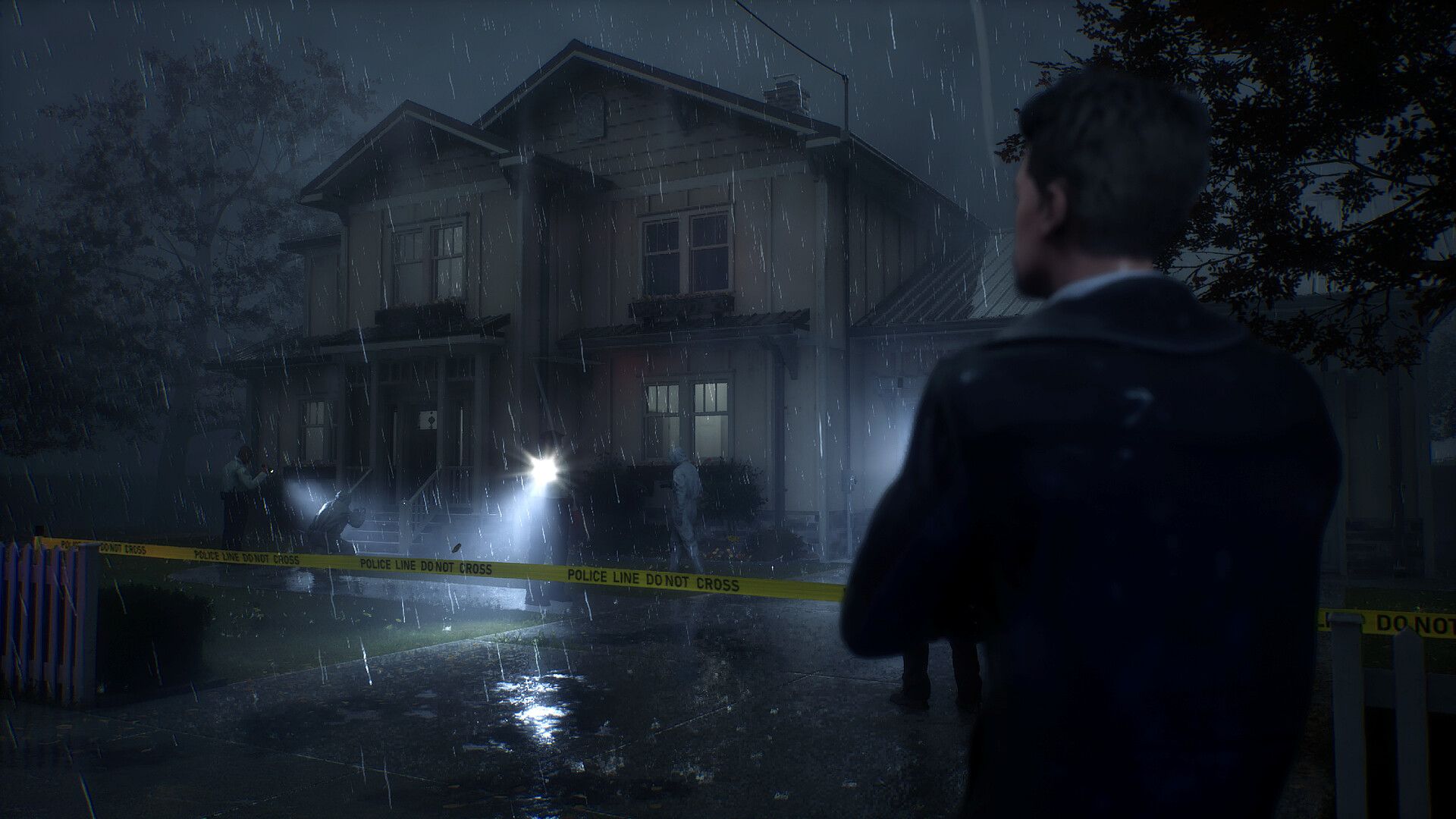
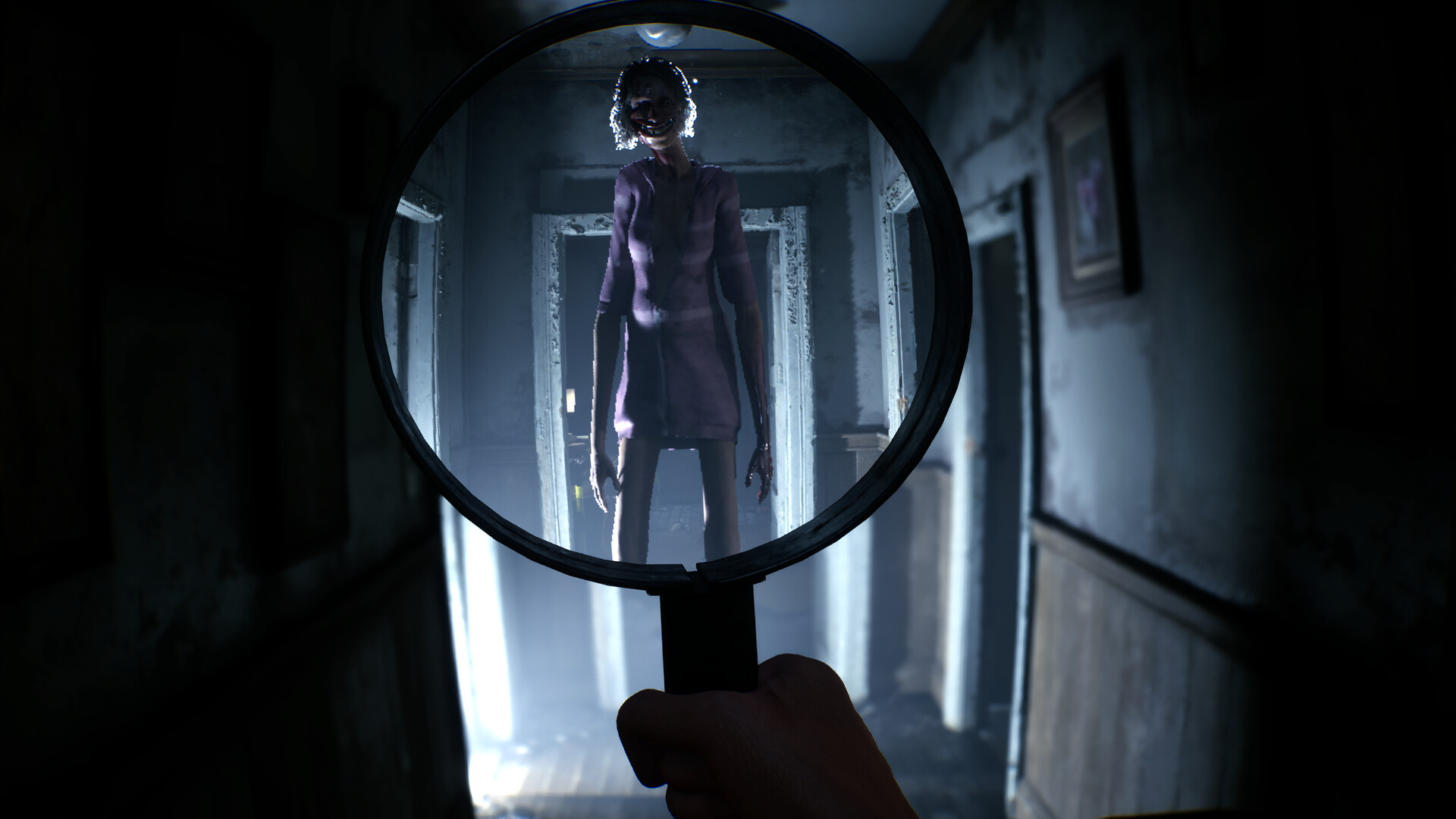
Rehaunted is a first-person detective horror game, not a combat-first survival loop. Search each room normally, raise the magnifying glass to expose paranormal details, photograph useful discoveries, then use the evidence board and radio conversations to test what you think happened.
Your first pass through a room
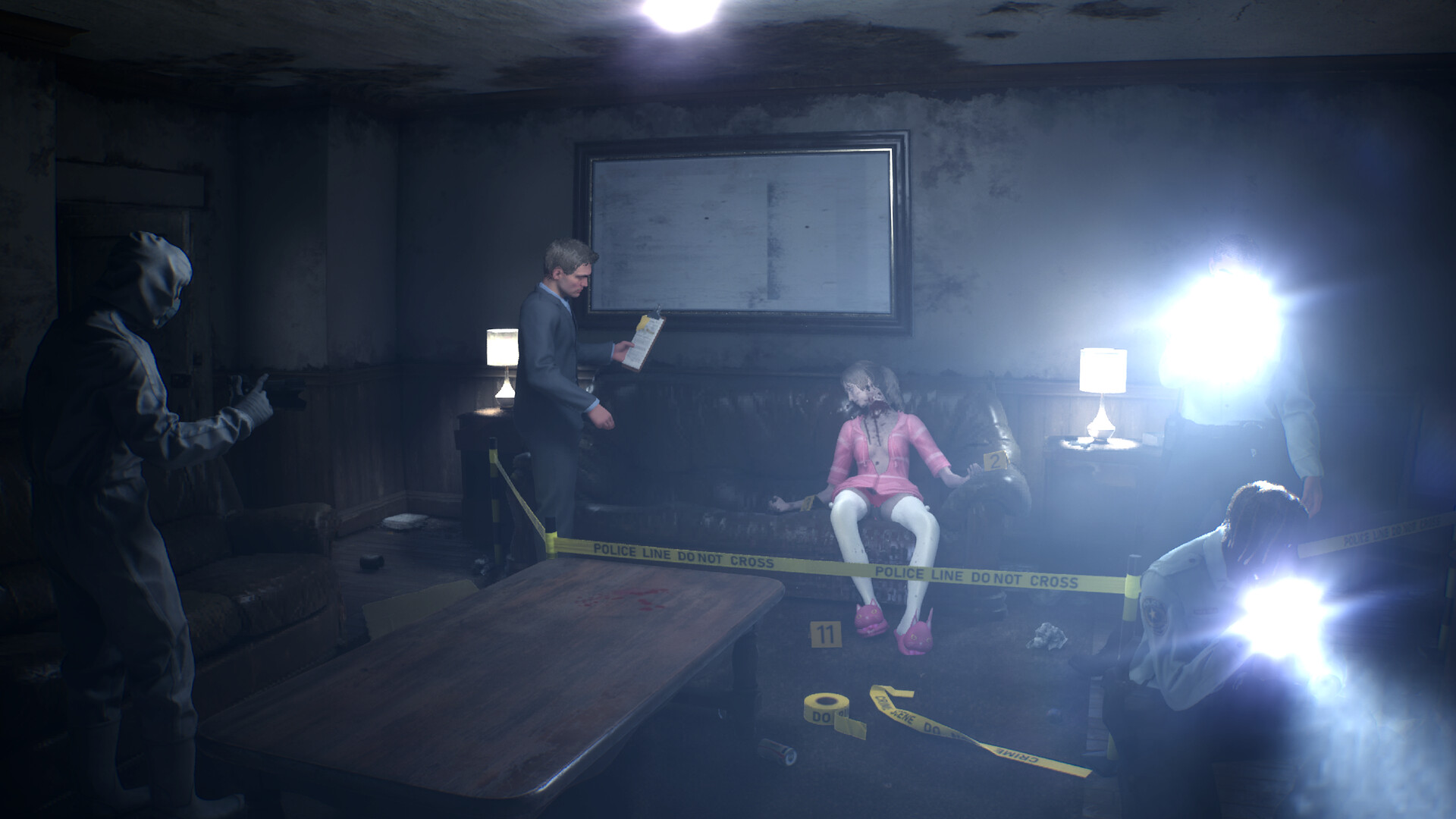
Walk the room once without a tool raised. Learn the exits, large furniture, personal belongings, and obvious blood or damage. This gives you a clean mental picture before the paranormal layer starts changing what you see.
- Check doors and the route back out before focusing on a clue.
- Read or inspect obvious objects before switching tools.
- Notice surfaces that look too clean, too empty, or oddly framed.
- Keep the room’s normal layout in mind so lens-only changes stand out.
Use the tools in a simple order
What to do when nothing happens
Stop sweeping the whole room at random. Pick one suspicious area and compare it three ways: normal view, magnifying glass, then UV. Change your distance and viewing angle before giving up. Door frames, mirrors, floors around the crime scene, and personal belongings deserve a slower pass because they can carry context even when they are not the final clue.
If the room still feels exhausted, return to the evidence board. A contradiction often tells you which person, place, or event needs another look.
Keep a useful case note
Write down the room, the object, what normal view showed, and what changed under a tool. “Bathroom — mirror — normal view clean — lens showed figure” is much more useful than “found weird clue.” A short note lets you revisit the right place after dialogue or a board connection changes your theory.
Day-one patches: two updates on launch day
Rehaunted released on September 14, 2026 and shipped two updates the same day, so anything you read from the pre-release period may describe behaviour that is already gone. Both are worth knowing before your first session.
Update 01 removed the worst early friction. If the shader compilation screen sits at 0%, you can now continue straight to the main menu instead of waiting it out, and the screen itself only appears once, on your very first launch. Enemy spawn points were adjusted so hauntings no longer drop enemies into small or enclosed rooms where there is no space to escape. After you photograph an entity and blind it, you can now run through it rather than getting stuck on it. The haunting tutorial also stays on screen longer.
Update 02 rebuilt the radio dialogue system from scratch. The previous version was triggered with Shift, and it could fail to fire or interfere with movement and interactions. Dialogue options now appear on their own — you select your response and confirm it with the Interaction button. Haunting encounters were also shortened slightly and made more predictable.
If you are following a walkthrough written before September 14, the radio and haunting steps are the parts most likely to be wrong. Everything on this site reflects the post-update build.