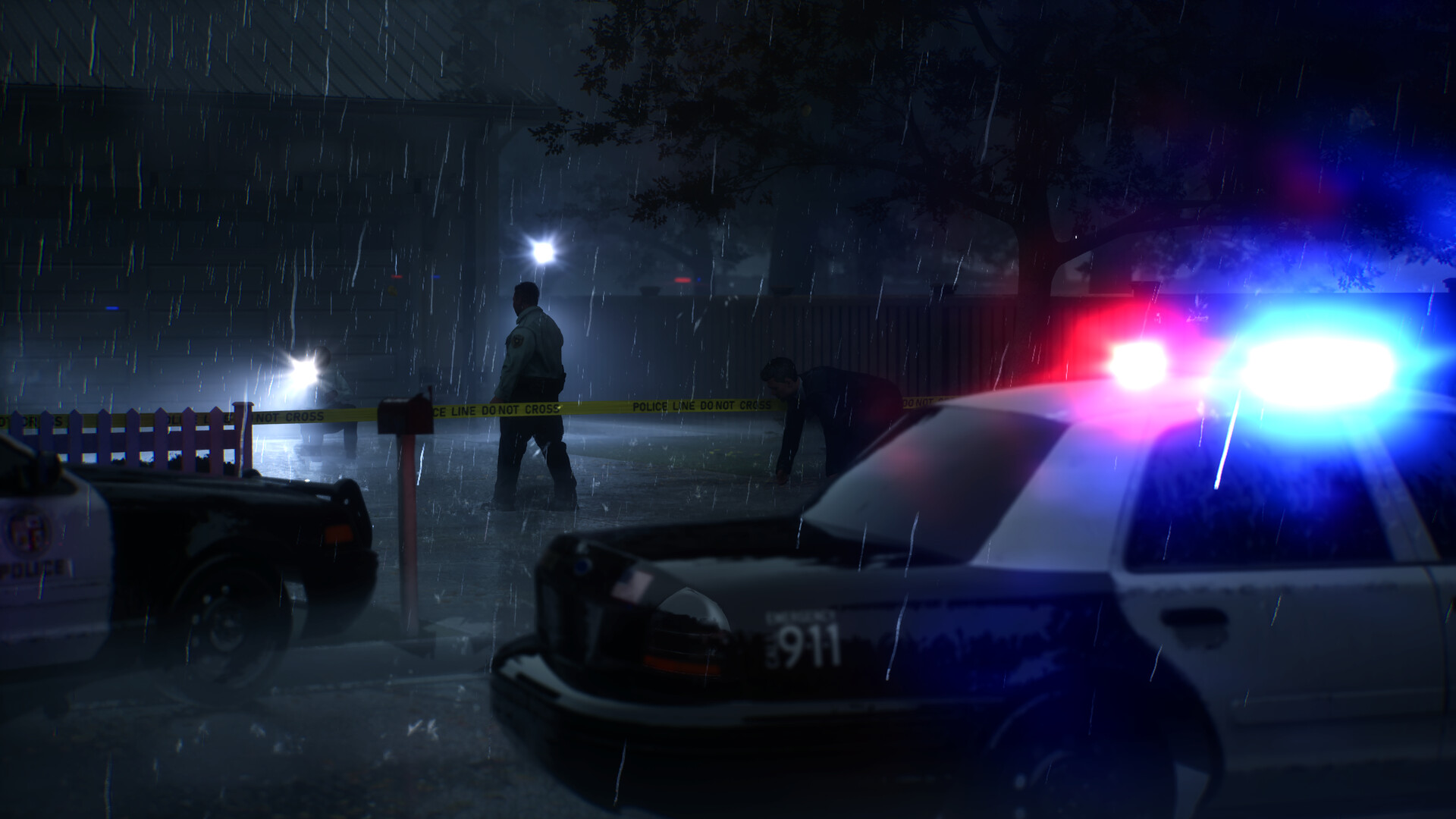
When radio options appear, select the response you want and confirm with the Interaction button. The current radio opens its choices automatically. If there is no prompt, check whether the last photo was recorded or the board gave you a new lead.
Answer the radio in the current build
- Finish the active objective or photograph the subject you just revealed.
- Wait for the dialogue options to appear. Read the person, place or timing claim each response makes.
- Select a response and press Interaction to confirm.
- Use any new detail to choose a room or object to revisit. If the conversation gives you no lead, check the board for the least-connected clue.
When to check the radio
- After the camera records a new discovery.
- After adding or connecting evidence on the board.
- When two clues directly contradict each other.
- After revisiting a room and seeing a new lens-only event.
Checking after every ordinary object slows the pace. Save the radio for moments when the case has actually changed.
Read dialogue options as hypotheses
Before choosing, translate each line into a claim. Is it blaming a person, changing the timeline, questioning a witness, or asking about a room? Pick the line that tests the weakest part of your current theory, not simply the most dramatic wording.
The Steam description says radio choices expand the investigation and challenge assumptions. That means a response that disagrees with you is useful: it identifies the assumption that needs another piece of evidence.
What to do after the conversation
Keep a tiny dialogue log
Write one line after an important call: “I claimed ___; partner challenged ___; next check ___.” This prevents conversations from becoming vague story flavor and gives you a concrete reason to revisit a room.
If no radio choice appears
Check whether your last discovery registered on the evidence board, and follow the active objective. If a response is selected but the conversation stalls, check your current Interaction binding in Controls. The Shift-based instructions in launch-day walkthroughs predate Update 02. Update 03 gives you more time to read dialogue choices.