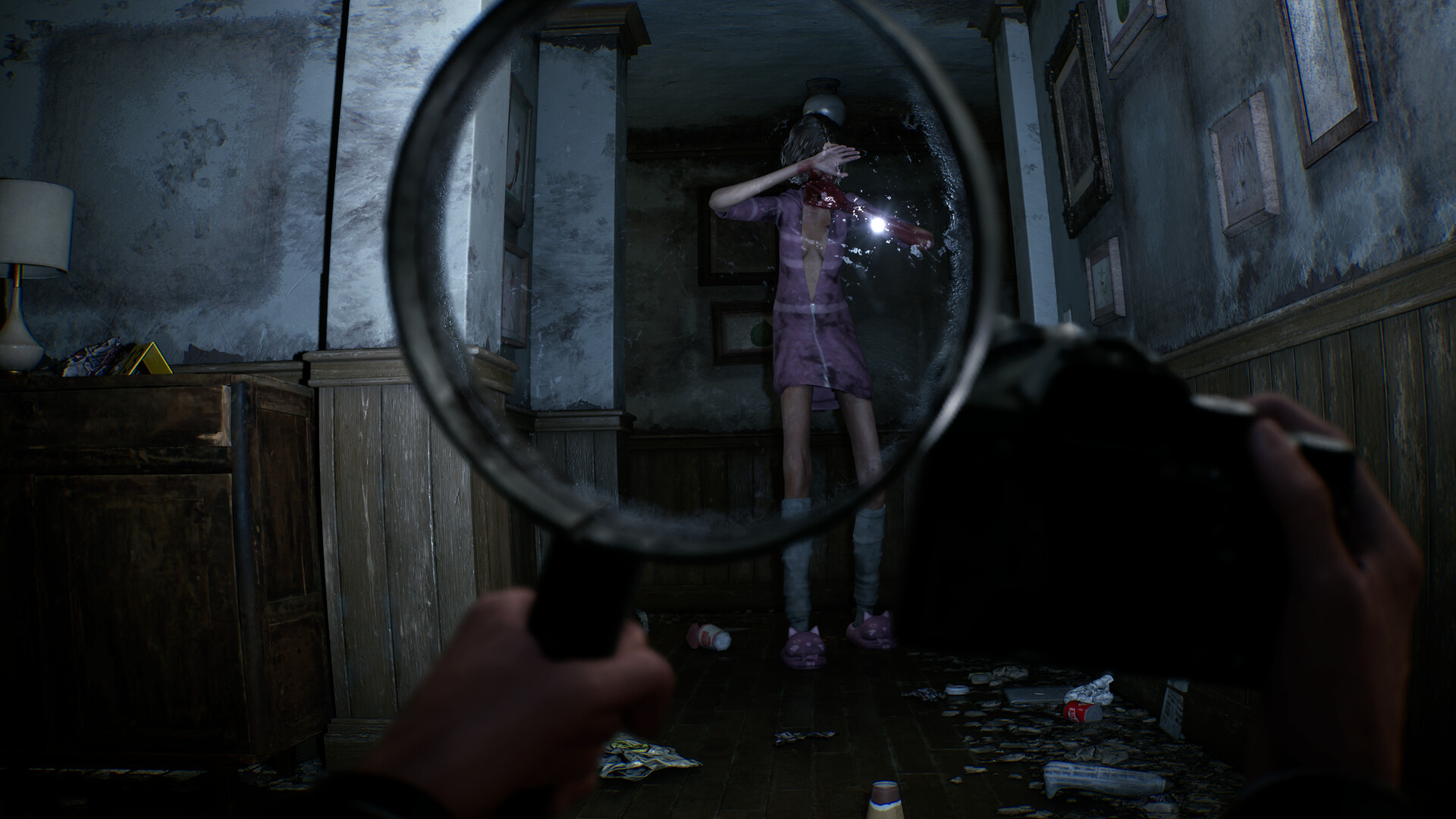
Raise the magnifying glass when a room feels wrong or you hear something you cannot see. Once the lens reveals a clear subject, hold your view steady and use the camera to document it. Then check the evidence board and radio for new information.
How to sweep with the magnifying glass
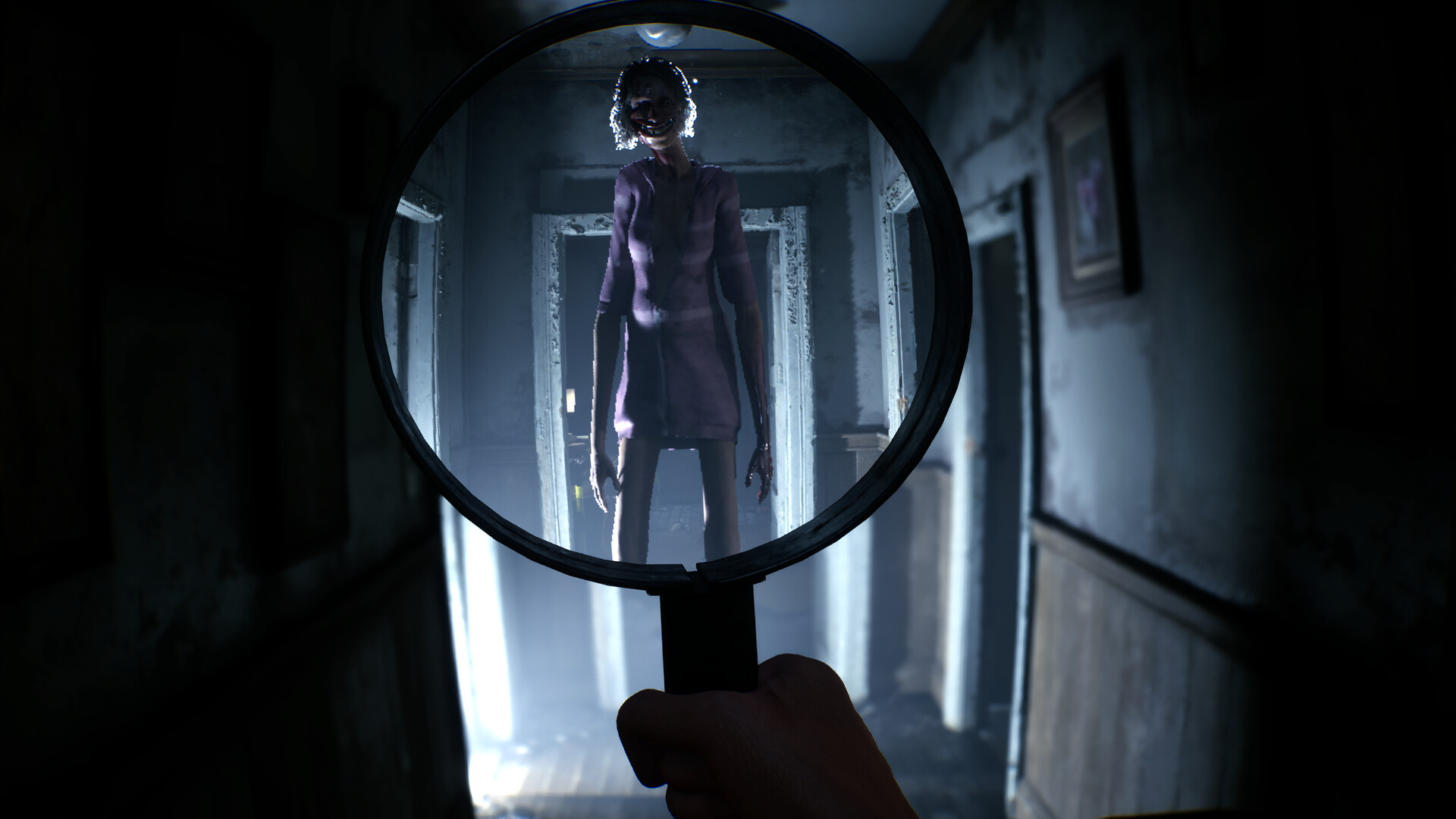
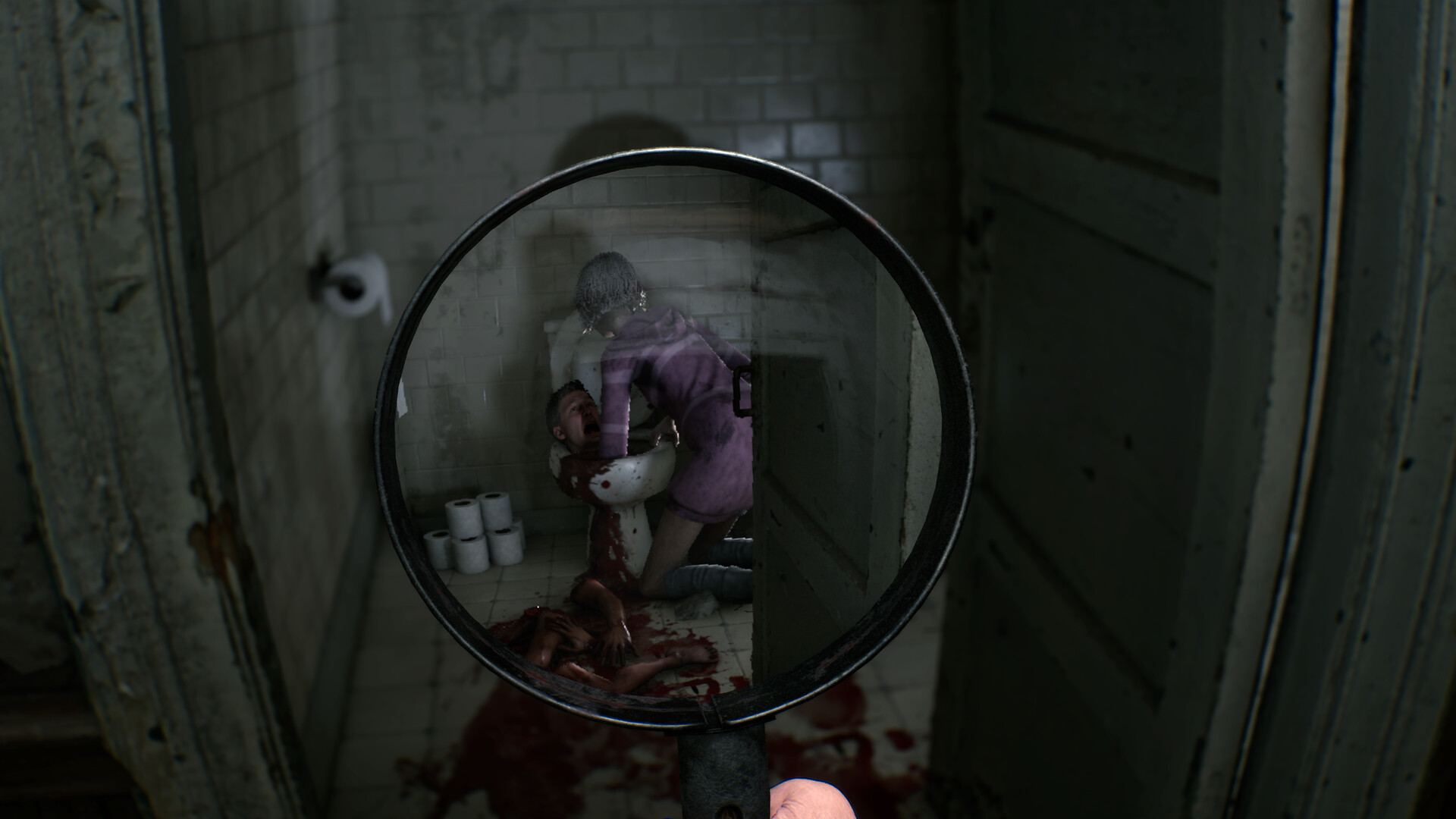
Start at one doorway and move the lens in overlapping passes: left wall, center, right wall, floor, then the far doorway. Pause whenever the image inside the circle does not match the room outside it. The developer has shown that paranormal entities and clues can be visible only through the lens.
Audio matters. If you hear movement or a voice but normal view is empty, stop walking and scan the nearest doorway and blind corner before pushing deeper into the room.
What to record with the camera
Take a photo when the lens or another tool reveals a specific subject that changes the case. Frame the person, object, or event rather than a featureless wall. A developer explanation says photographing evidence makes it usable on the investigation board and can open discussion with your partner.
- Keep the revealed subject centered.
- Hold still long enough to confirm what the lens is showing.
- If the shot does not register, adjust distance and angle.
- Check the board immediately after a successful discovery.
Using the lens around the entity
The developer has described the creature as something you may hear nearby but initially see only through the magnifying glass. That makes the lens both an investigation tool and a way to check danger. Do not keep it raised so long that you lose track of the normal room and your escape route.
Scan, lower the lens to move, then raise it again at the next doorway. This rhythm keeps your orientation while still checking the hidden layer.
If the camera or lens seems unresponsive
- Make sure the subject is visible inside the lens, not only implied by sound.
- Center the subject and stop moving.
- Try a closer or wider framing.
- Check whether the game already recorded that discovery.
- Return to the board or radio before repeating the same shot.