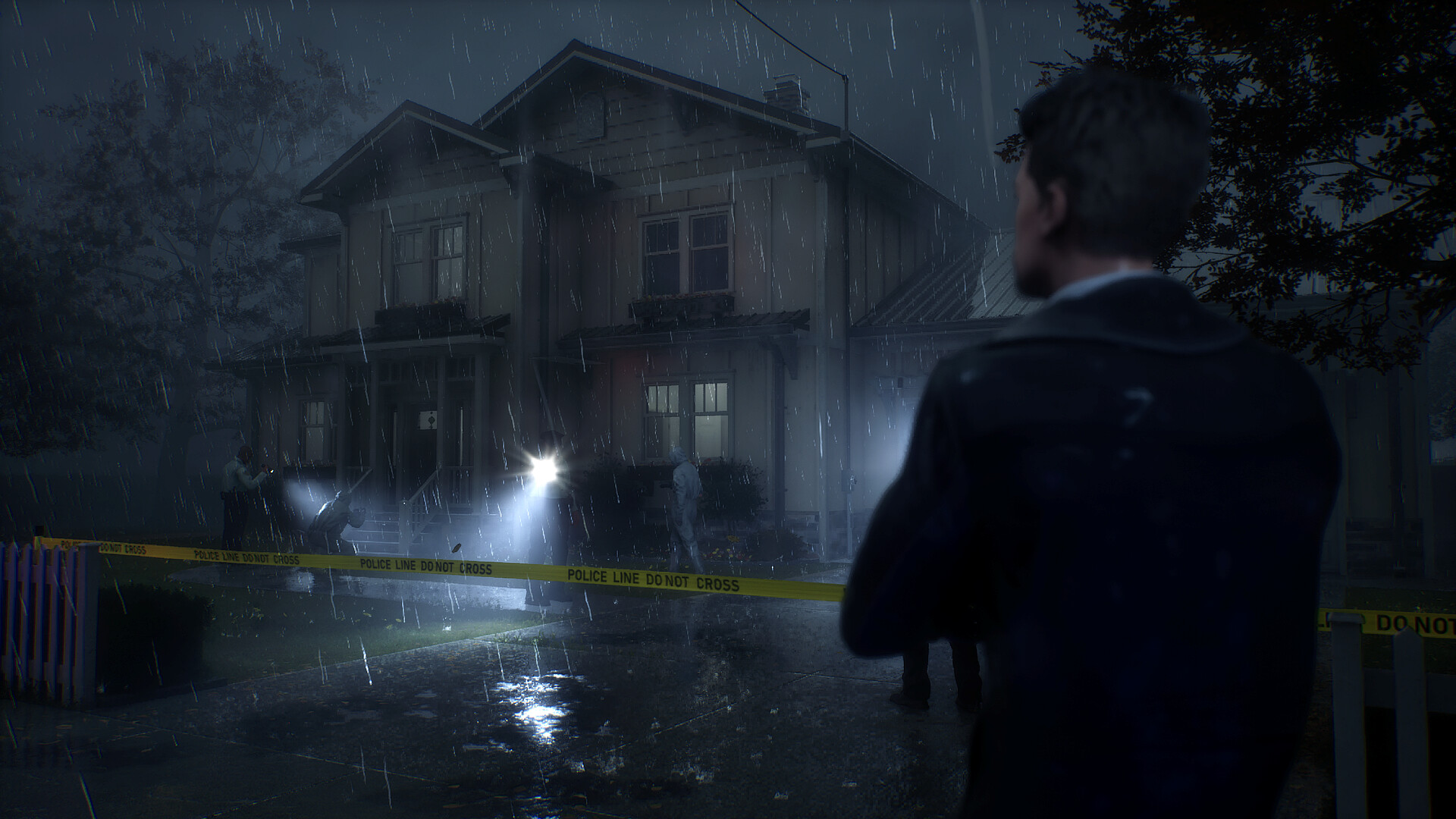
Read the room, reveal one hidden subject, photograph it and check the evidence board. When a radio choice appears, select a response and confirm with the Interaction button. If the first Haunting tutorial opens, the game pauses while you read.
When the first Haunting starts
- Read the tutorial before continuing. It pauses the game while the instructions are open.
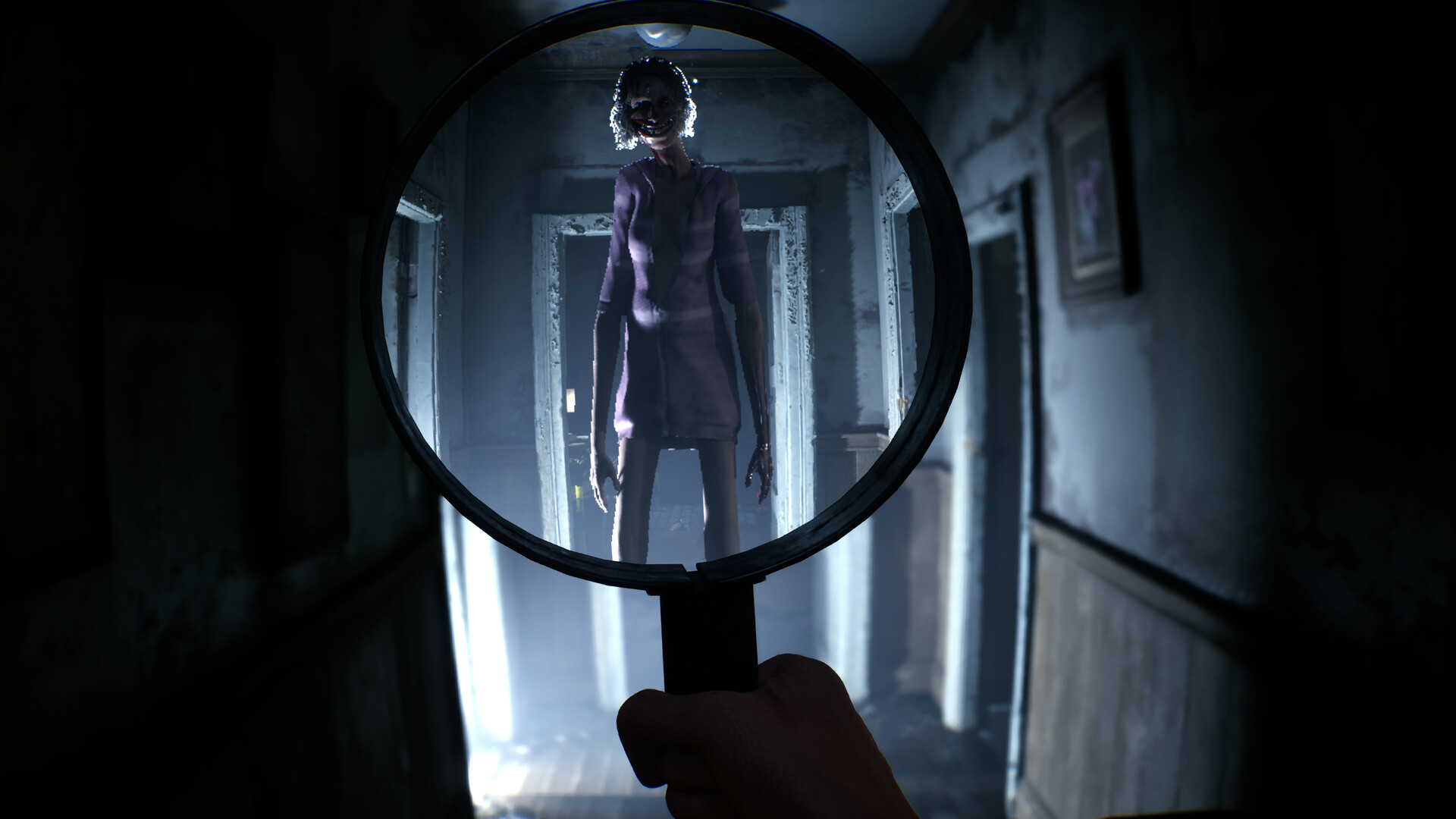
- Keep the exit in mind and locate the entity through the magnifying glass if it is hidden from normal view.
- If the entity blocks the way, use the camera to blind it. Once the photo blinds it, you can move through the entity to reach your exit.
- After the encounter, return to your last objective and check the board before sweeping another room.
Set a comfortable field of view before you search. You can rebind direct equipment shortcuts in Controls. Choose your tools · Lens and camera
Your first pass through a room
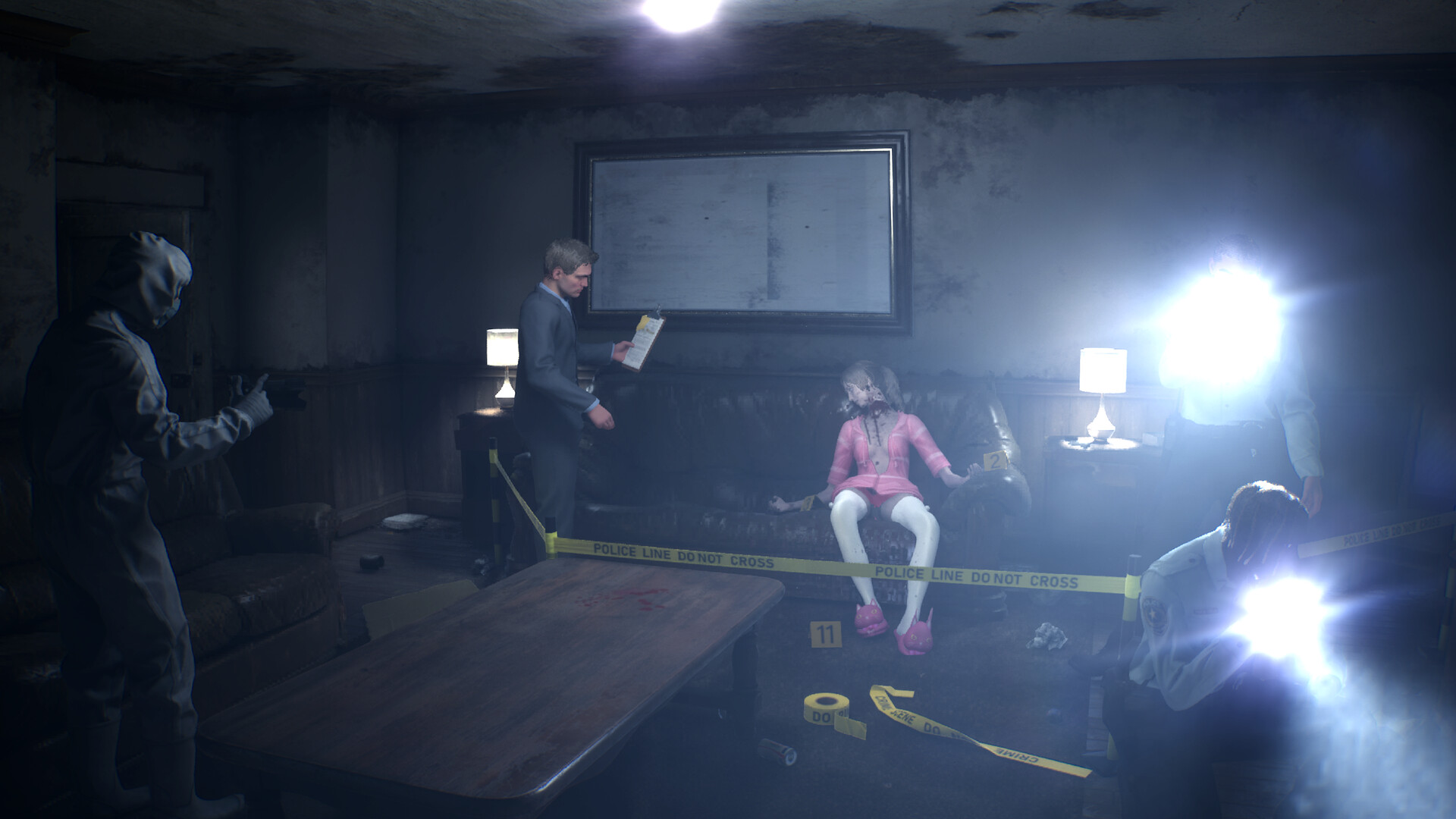
Walk the room once without a tool raised. Learn the exits, large furniture, personal belongings, and obvious blood or damage. This gives you a clean mental picture before the paranormal layer starts changing what you see.
- Check doors and the route back out before focusing on a clue.
- Read or inspect obvious objects before switching tools.
- Notice surfaces that look too clean, too empty, or oddly framed.
- Keep the room’s normal layout in mind so lens-only changes stand out.
Use the tools in a simple order
What to do when nothing happens
Stop sweeping the whole room at random. Pick one suspicious area and compare it three ways: normal view, magnifying glass, then UV. Change your distance and viewing angle before giving up. Door frames, mirrors, floors around the crime scene, and personal belongings deserve a slower pass because they can carry context even when they are not the final clue.
If the room still feels exhausted, return to the evidence board. A contradiction often tells you which person, place, or event needs another look.
Keep a useful case note
Write down the room, the object, what normal view showed, and what changed under a tool. “Bathroom — mirror — normal view clean — lens showed figure” is much more useful than “found weird clue.” A short note lets you revisit the right place after dialogue or a board connection changes your theory.
Returning after the Halloween update
Late October's update recap covers the reworked Haunting encounters, rebuilt radio and clearer tutorials. If you are following an early walkthrough, use the current on-screen Interaction prompt for radio choices and your bound tool shortcuts for the lens, camera and UV.
If progress stops after the upstairs bathroom event, check the laundry-room fix and recovery order before starting a new run.