
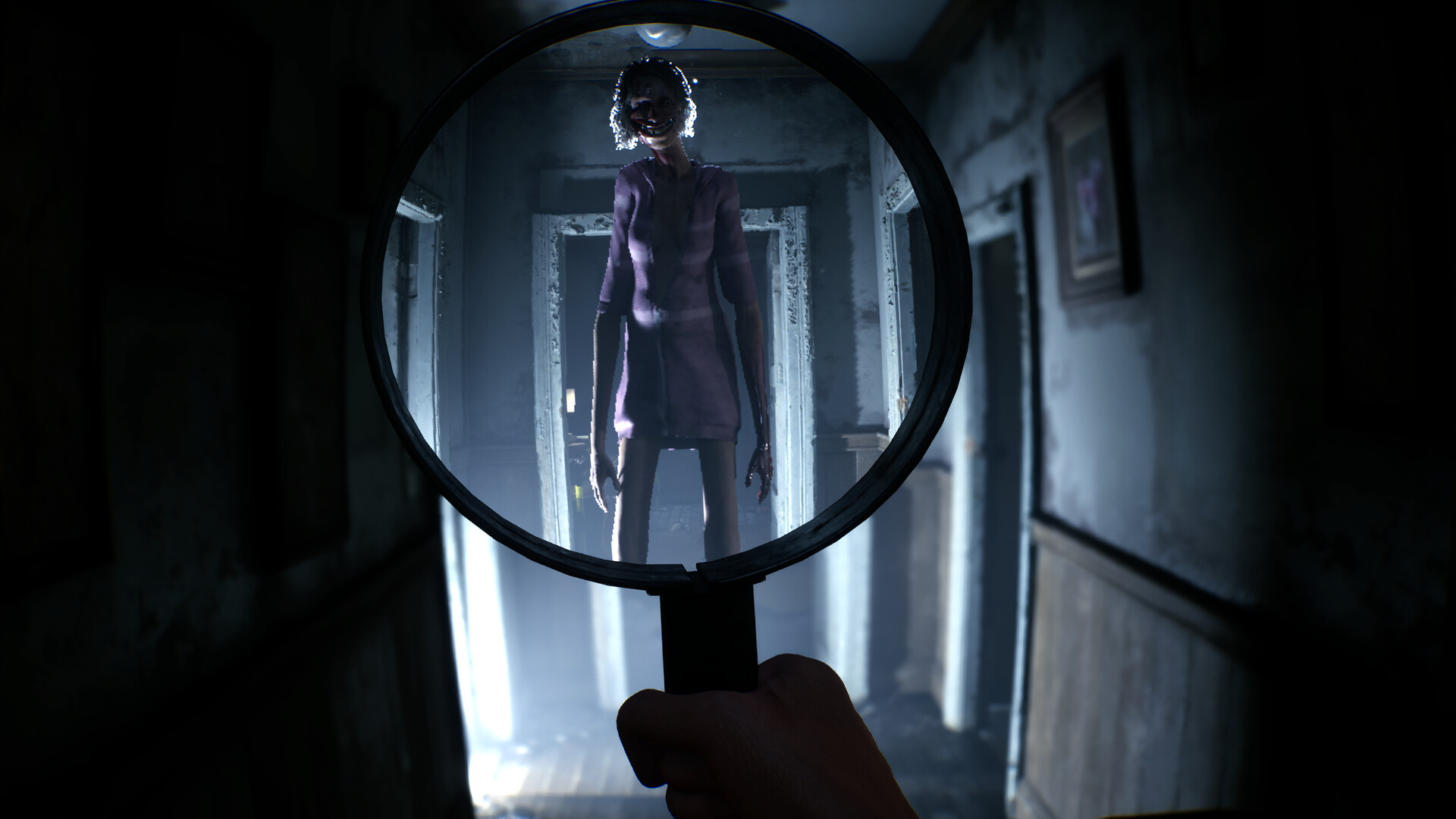
Use the magnifying glass when the paranormal layer may be hiding in plain sight, UV for traces on suspicious surfaces, the camera to record a discovery, the walkie-talkie after new evidence opens a discussion, and the evidence board when you have facts but no clear sequence.
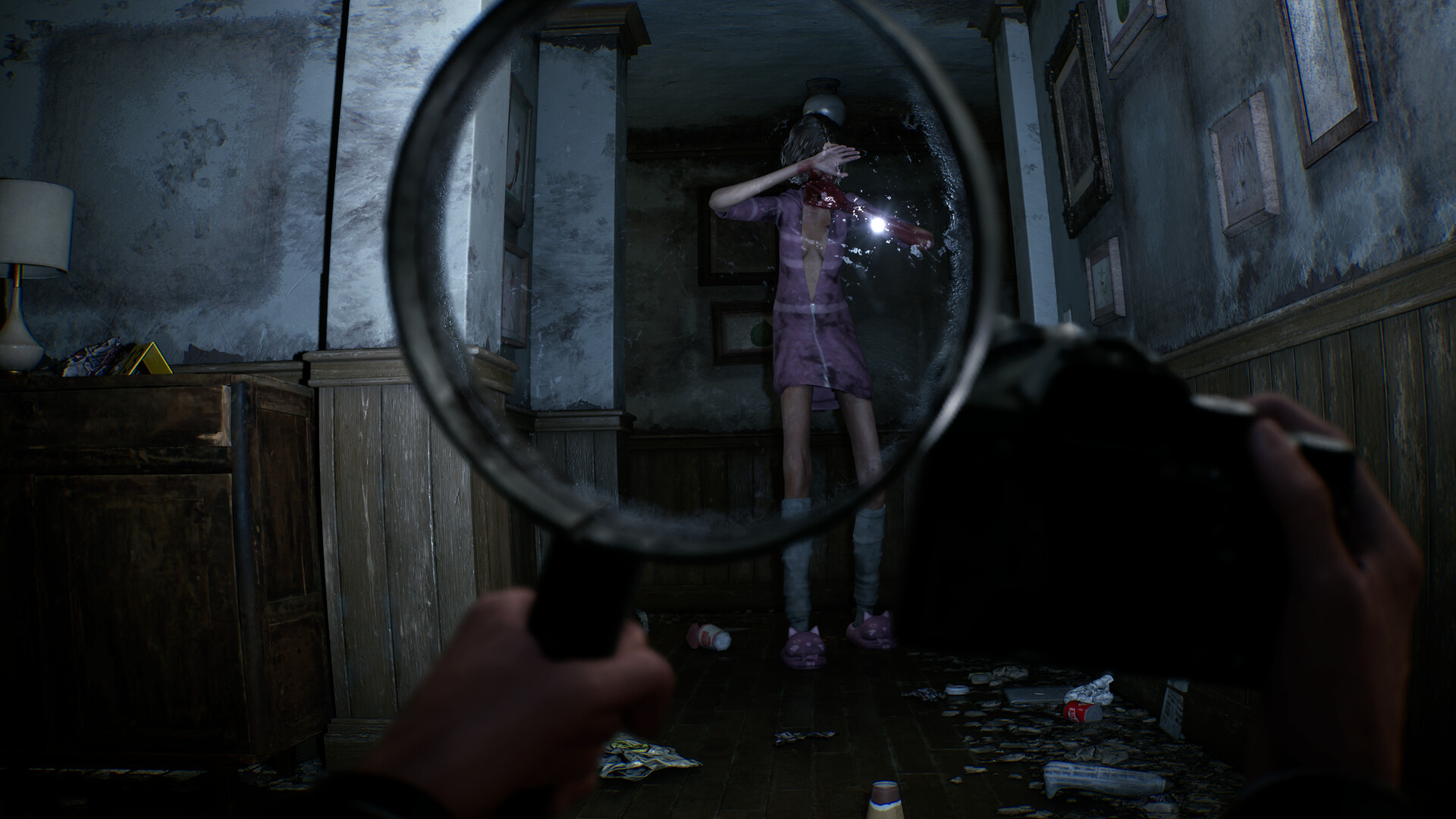
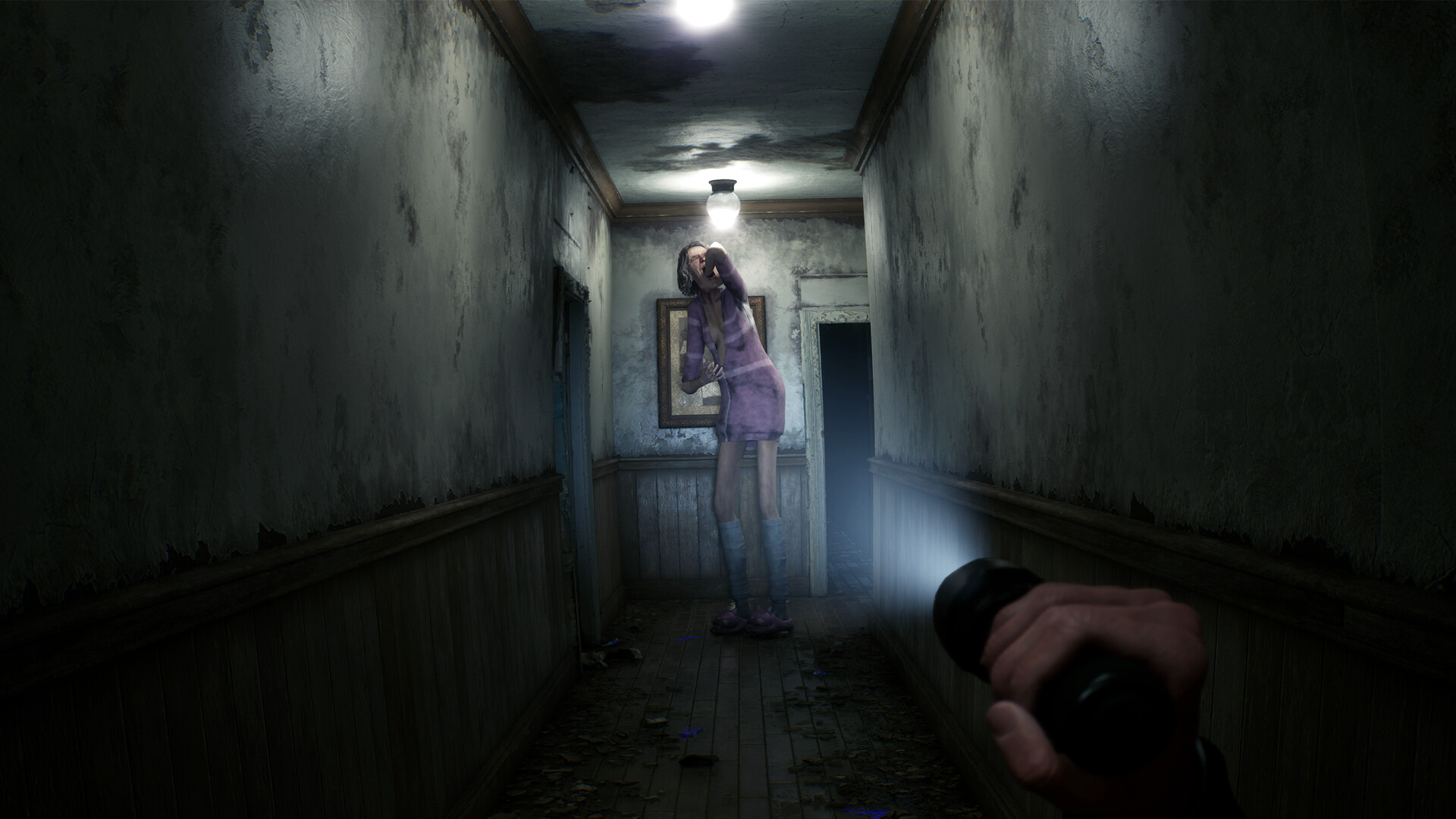
Which tool should you try next?
| Your problem | Try this | What you are looking for |
|---|---|---|
| The room looks empty, but you hear or suspect something | Magnifying glass | A paranormal figure or clue visible only inside the lens |
| A wall, floor, door, or object may carry a hidden trace | UV flashlight | Evidence that does not show under ordinary light |
| You found something important but it is not part of the case yet | Camera | A recordable discovery that can feed the board or dialogue |
| A new clue changes what you think happened | Walkie-talkie | New discussion or a challenge to your current theory |
| You have several clues but no sequence | Evidence board | Connections between person, place, time, and event |
Magnifying glass: scan with a pattern
Move the lens slowly across doorways, mirrors, the floor around the body, and the edges of a room. Keep it on one area long enough to compare the image inside and outside the circle. The developer has shown that paranormal entities and clues can be invisible without the lens, so a quick wave can miss the exact spot where the scene changes.
Camera: photograph with a purpose
Do not treat the camera as a screenshot button for every object. Use it after the lens, UV, or normal inspection has given you a specific subject. Frame the subject clearly and watch for the game to acknowledge the discovery. If nothing changes, adjust the distance, center the subject, and make sure you are photographing the revealed version rather than the empty normal view.
Board and radio: finish the loop
The physical tools find and record clues; the board and radio make them useful. After a meaningful photo, check the board before returning to random exploration. Then listen for a radio prompt or dialogue option that refers to the new information. If your partner challenges an assumption, reopen the clue that assumption came from.